Pinterest isn’t just another social media platform — it’s a visual search engine with over 450 million monthly users actively searching for solutions, inspiration, and products. Just like Google, Pinterest uses sophisticated algorithms to determine which content gets seen and which gets buried in the depths of search results.
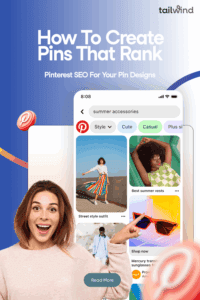
The key difference? While Google ranks text-based content, Pinterest ranks visual content. This means your Pinterest seo strategy needs to blend compelling design with search optimization tactics that help your Pins get discovered by the right audience at the right time.
Most creators focus on making their Pins look pretty, but they’re missing the bigger picture. Beautiful Pins that nobody can find won’t drive traffic to your website or grow your business. The real magic happens when you combine eye-catching design with strategic optimization that helps Pinterest’s algorithm understand and promote your content.
Let’s break down how to create Pinterest Pin designs that don’t just look good but actually get seen, saved, and clicked by your target audience.
What is Pinterest SEO and Why It Matters
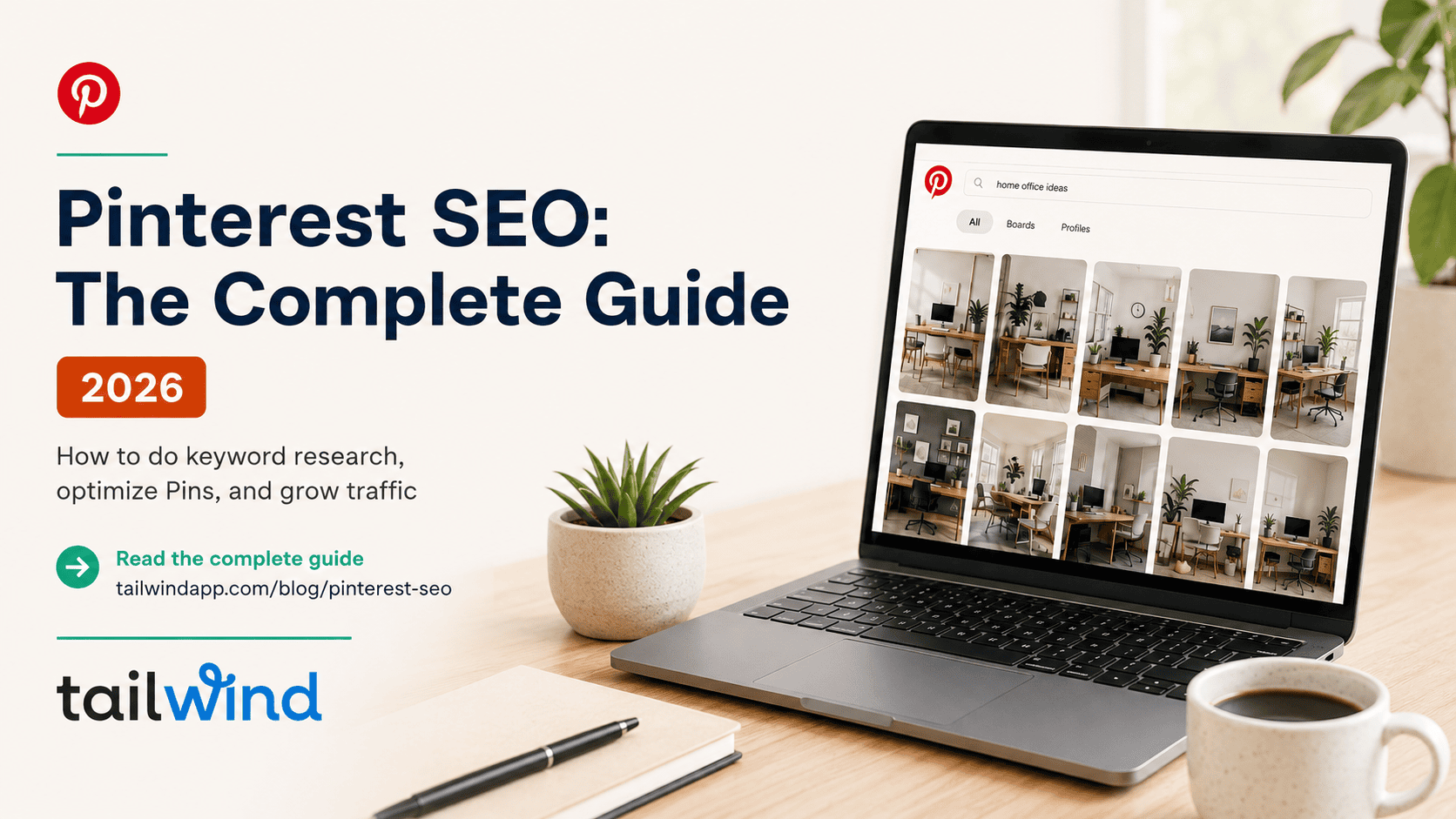
Pinterest seo is the practice of optimizing your Pin designs, descriptions, and overall Pinterest strategy to rank higher in Pinterest’s search results and gain more visibility in users’ home feeds. Think of it as Google SEO, but for visual content.
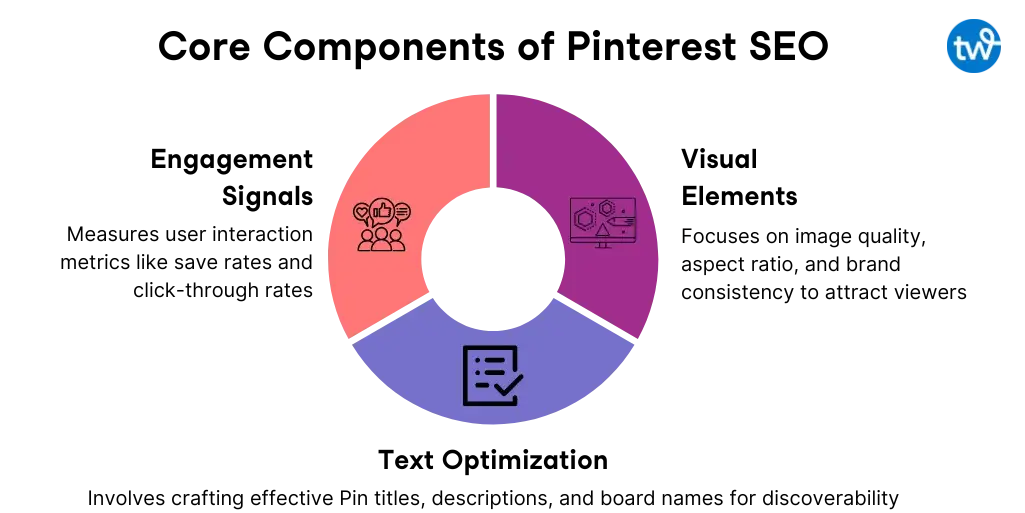
Pinterest’s algorithm considers several key factors when deciding which Pins to show users: keyword relevance, engagement signals (saves, clicks, comments), content freshness, and overall Pin quality. The top 1% of Pins drive over 50% of total impressions and clicks, which means the difference between a Pin that ranks and one that doesn’t can be massive for your traffic and business growth.
The beautiful thing about Pinterest SEO is that it’s not just about gaming an algorithm. It’s about creating genuinely helpful, discoverable content that serves your audience’s needs. When you optimize your Pins properly, you’re making them more useful for Pinterest users while simultaneously giving the platform clear signals about what your content offers.
Unlike other social platforms where your content’s lifespan is measured in hours or days, over 60% of Saves were from Pins over a year old. This longevity means that the SEO work you do today on your Pin designs can continue paying dividends for years to come.
Step-by-Step: How to Create a Pinterest Pin That Can Rank
Ready to learn how to create a Pin on Pinterest that actually gets found and engaged with? Let’s walk through the complete process, from choosing your format to optimizing every element for maximum discoverability.
Choose the Right Pin Format
89% of the most viral Pins were Image Pins, making standard Image Pins your best bet for reaching large audiences. While Video Pins and Carousel Pins (available for ads) have their place, Image Pins consistently dominate Pinterest’s distribution.
Standard Image Pins are also the easiest to optimize for SEO because they rely heavily on text elements (titles, descriptions, alt text) that Pinterest’s algorithm can easily understand and categorize. Video content, while engaging, provides fewer opportunities for keyword optimization.
Design for Scroll-Stopping Engagement
Your Pin’s visual design is your first opportunity to capture attention and signal quality to Pinterest’s algorithm. Poor design choices can kill your Pin’s performance before anyone even has a chance to engage with your content.
Use the optimal Pin dimensions of 1000 x 1500 pixels (2:3 aspect ratio). Vertical images with this aspect ratio were by far most prevalent in viral Pins, and they take up more screen real estate on mobile devices where most Pinterest browsing happens.Incorporate bright, high-contrast colors that make your Pin stand out in busy feeds. When analyzing viral Pins, 87 of the top 100 dominant colors were white, near white, or light grey, indicating that significant lighter spaces help Pins perform better.

Create easy-to-read text overlays using large fonts and clear copy. Your overlay text should communicate your Pin’s value proposition within seconds. Think “Save $500 on Groceries This Month” rather than generic phrases like “Money-Saving Tips.”
Always use high-quality, relevant imagery that accurately represents your content. Pinterest users will quickly abandon Pins that don’t deliver on their visual promise, sending negative engagement signals that hurt your ranking potential.
Tools like Canva, Tailwind Create, and Adobe Express make it easy to create professional-looking Pins even without design experience.
Add Text Overlay with Strategic Keywords
Your text overlay serves double duty: attracting human attention and helping Pinterest’s algorithm understand your content. Include your target keywords naturally within compelling, benefit-driven headlines.
Instead of “Workout Tips,” try “15-Minute Morning Workout for Busy Moms.” This approach incorporates relevant keywords while clearly communicating value to potential viewers.
Place your overlay text strategically to avoid cluttering your Pin’s visual elements. The top third or bottom third of your Pin typically work well, depending on your base image composition.
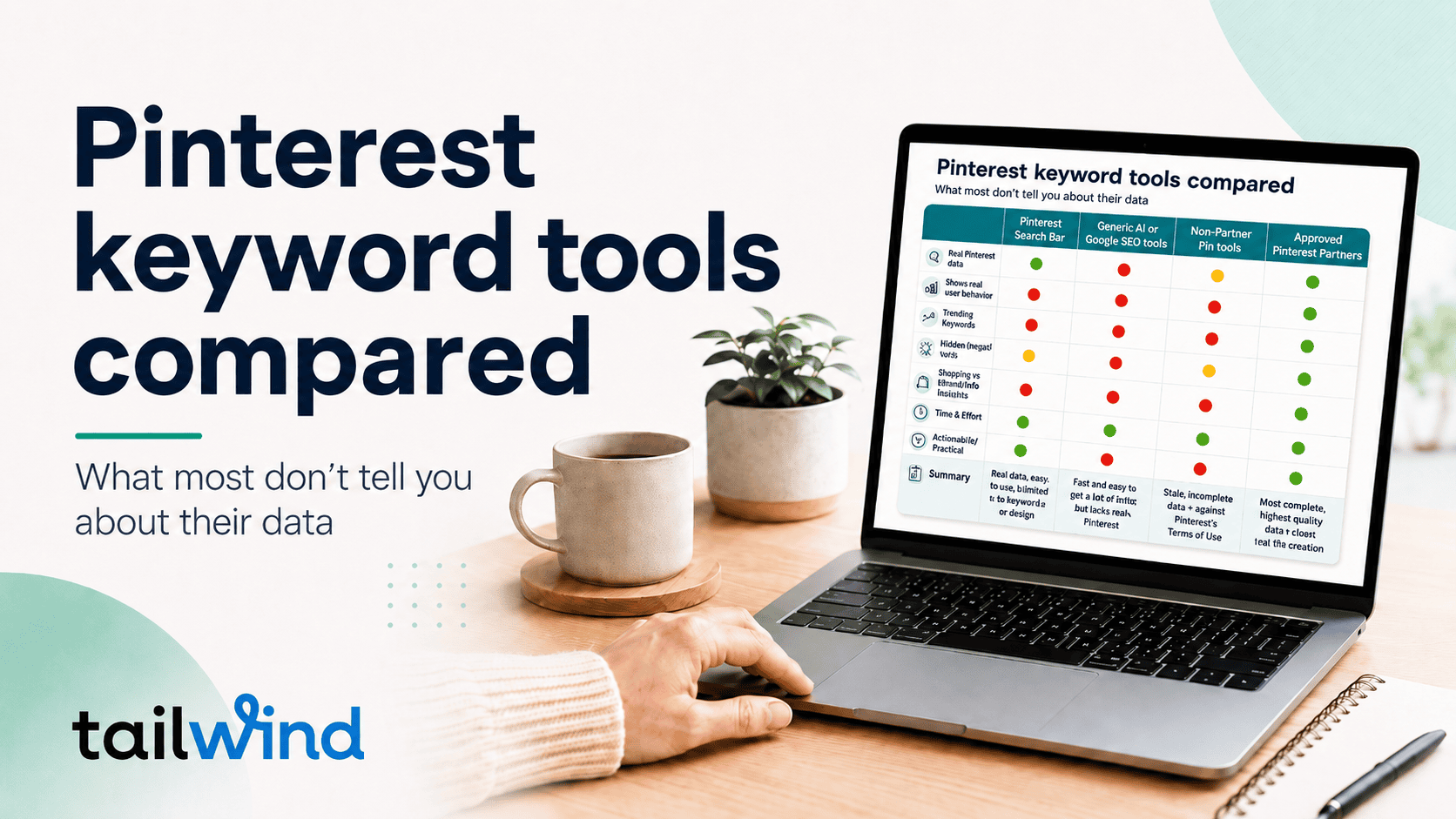
Need help finding keywords for Pinterest? Check out the free keyword research tool from Tailwind.
Pinterest SEO Tips for Your Pin Design
Optimizing your Pinterest Pin design tips for searchability requires attention to several text-based elements that many creators overlook. These behind-the-scenes optimizations can significantly impact your Pin’s discoverability.
Use Keywords Strategically
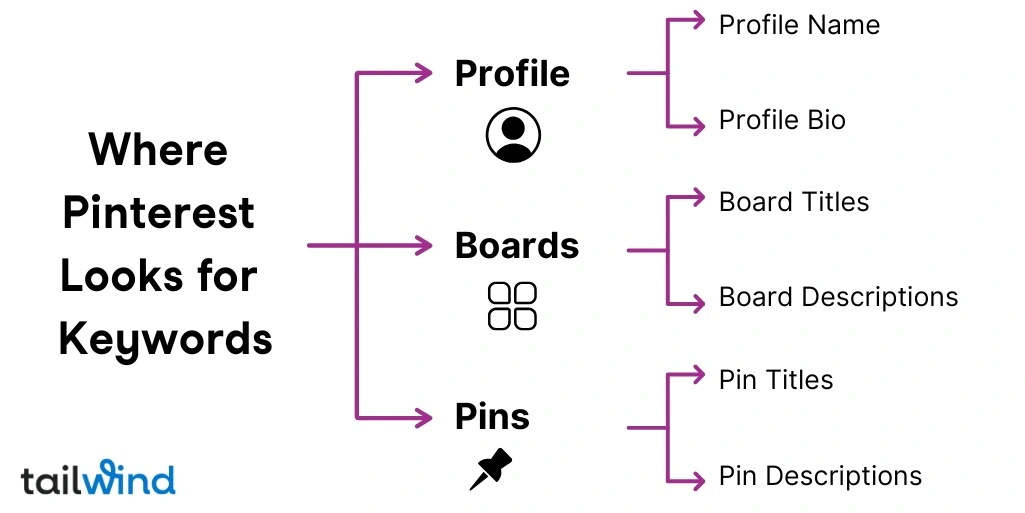
Pin Title – Create keyword-rich titles that clearly communicate benefits. Pin titles are partially visible in users’ feeds, making them crucial for both SEO and click-through rates. Use your primary keyword naturally within a compelling headline.
Pin Description – Pin descriptions averaging 220-232 characters perform best. Include keyword variations and long-tail keywords naturally throughout your description. Focus on being helpful rather than keyword-stuffing.
Alt Text – When uploading through scheduling tools like Tailwind, add descriptive alt text that includes relevant keywords. This helps Pinterest understand your image content and improves accessibility.
Save to Relevant Boards
Create and save your Pins to keyword-rich boards that clearly indicate their topic focus. Boards like “Pinterest Marketing Tips” or “Small Business Social Media” provide clearer context than generic names like “Business Stuff”.
Use detailed board descriptions that include relevant keywords and clearly explain what users will find when they follow your board. These descriptions provide additional context that helps Pinterest categorize your content correctly.
Add Hashtags Strategically
While hashtags are less critical on Pinterest than other platforms, 19% of the most viral Pins included hashtags. Use 3-5 targeted hashtags that function as additional keywords: #pinteresttips #pincreation #socialmediamarketing.
Best Practices to Boost Visibility and Engagement
Successful pinterest marketing strategy extends beyond individual Pin optimization to encompass your overall approach to the platform. These broader tactics can significantly impact your ranking potential.
Pin consistently to maintain momentum and signal active engagement to Pinterest’s algorithm. Pinterest recommends that creators try to publish as much as 5-25 new Fresh Pins per day. Use scheduling tools like Tailwind to maintain consistency without daily manual posting.
Use Tailwind to optimize your posting strategy: Tailwind’s SmartSchedule feature analyzes your audience’s activity patterns to recommend the best times to post your affiliate Pins. Consistent posting during peak hours increases your chances of early engagement, which signals Pinterest to show your Pins to more users. Additionally, Tailwind’s SmartPin feature creates Fresh Pins for existing URLs on your website, helping you maximize distribution by turning old blog posts into new Pinterest content that gets prioritized by the algorithm.
Always link your Pins to valuable, relevant content that delivers on your Pin’s promise. Pinterest tracks user behavior after clicks, and Pins that lead to helpful, engaging content get rewarded with increased distribution.
Add seasonal and trending keywords when appropriate. Use Pinterest Trends to identify rising topics in your niche and create timely content that capitalizes on increased search volume.
Common Mistakes to Avoid
Even well-intentioned creators can sabotage their rank on Pinterest efforts through design and optimization mistakes that send negative signals to Pinterest’s algorithm.
Overloading with text or visual elements creates cluttered Pins that perform poorly on mobile devices. Pinterest users make quick decisions, so keep your design clean and your message clear.
Ignoring keyword optimization means missing opportunities to help Pinterest understand and categorize your content. Every text field is an SEO opportunity. Use them strategically.
Using wrong image sizes automatically puts your content at a disadvantage. Square or horizontal Pins get less distribution and engagement than properly-sized vertical Pins.
Linking to irrelevant or low-value content hurts your long-term Pinterest performance. Users who click through but quickly return to Pinterest send negative engagement signals that can impact future Pin distribution.
Pins That Rank Well (and Why)
High-performing Pins typically share several common characteristics that make them both user-friendly and algorithm-friendly.
- Educational Pins with clear value propositions tend to rank on Pinterest consistently. A Pin titled “10 Kitchen Organization Ideas That Save Time Every Day” works because it includes specific numbers, relevant keywords, and a clear benefit. The design likely features clean, bright imagery with easy-to-read text overlays.
- Seasonal content that anticipates search trends performs exceptionally well. Holiday decoration guides published 6-8 weeks before major holidays capture search traffic as it builds, leading to sustained engagement throughout the season.
- Problem-solving Pins that address specific pain points attract highly engaged audiences. “How to Remove Stains from White Clothes” targets a specific, urgent need and likely includes step-by-step visuals that make the solution immediately actionable.
Tools to Help You Create High-Ranking Pins
The right tools can dramatically streamline your Pin creation process while ensuring you’re following Pinterest seo best practices consistently.
Canva offers Pinterest-specific templates and maintains a user-friendly interface perfect for beginners. Its brand kit feature helps maintain visual consistency across all your Pins.
Tailwind Create provides Pinterest-optimized layouts designed specifically for the platform’s requirements. Quality Pins can be created in one tenth the time using tools like Tailwind Create, making it ideal for maintaining the consistent publishing schedule Pinterest rewards.
Pinterest Trends reveals trending keywords and seasonal opportunities in real-time. Use this free tool to guide your content creation and ensure you’re creating Pins around topics with growing search interest.
Keywords Everywhere or Ubersuggest help validate keyword opportunities and provide search volume data that can guide your optimization efforts.