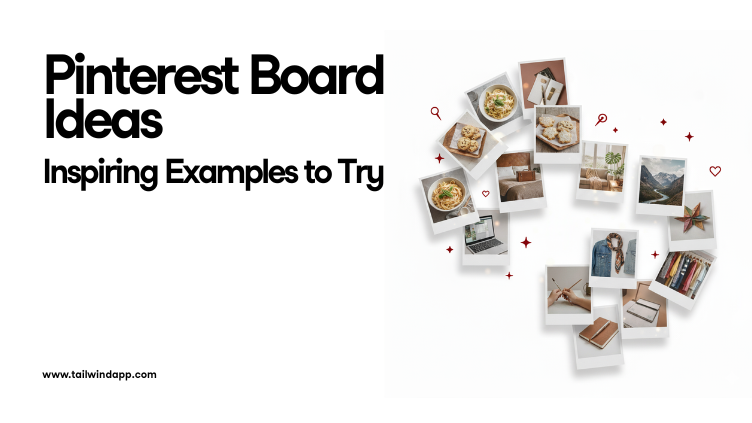
Pinterest is one of the best platforms for collecting ideas, organizing inspiration, and sharing content with the world. But when you first create an account, you might wonder: What boards should I make? The right boards help you stay organized, attract followers, and tell Pinterest exactly what your account is about. In this guide, you’ll find Pinterest board ideas across food, home décor, fashion, travel, business, and more. Each section has five ready-to-use board examples, plus tips to help you pick the best ones for your niche.
In this guide, we’ll walk through what Pinterest board covers are, why they matter, the ideal sizes, how to create and change them, and even how to design them step by step. Plus, we’ll share ideas, best practices, and FAQs so you can make your Pinterest presence look professional, engaging, and uniquely yours.
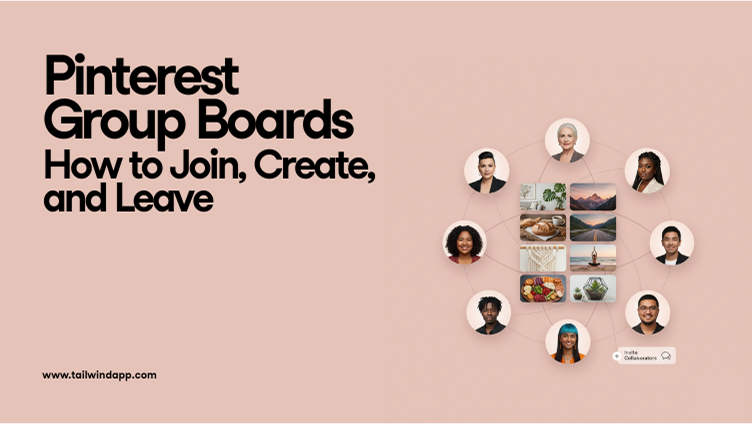
If you’ve been exploring Pinterest for a while, you’ve probably come across Group Boards. They look like regular boards at first glance, but there’s one key difference: multiple people can add Pins to them. That makes them an excellent way to collaborate, share ideas, and reach new audiences.
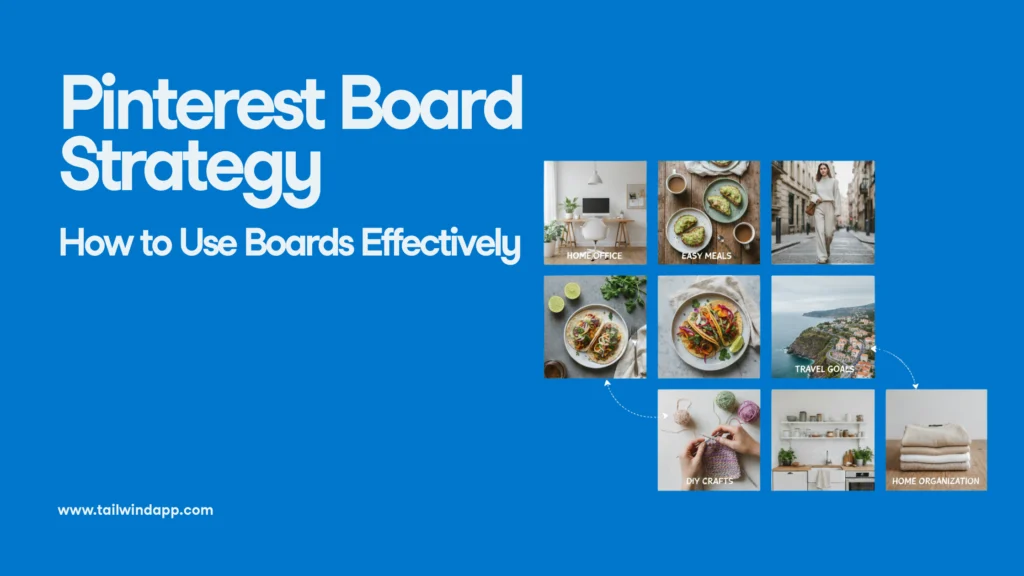
In this guide, we’ll break down what a Pinterest board strategy is, why it matters, and how to build one step by step. Whether you’re pinning recipes for personal inspiration or managing a business account, these strategies will help you use boards effectively and get the most out of Pinterest.
When you stop sharing, Pinterest assumes your ideas aren’t new anymore. Within days, it starts showing more content from people who are still posting. That drop isn’t personal—it’s just how the system works. When you start again with a steady plan, your reach comes back.
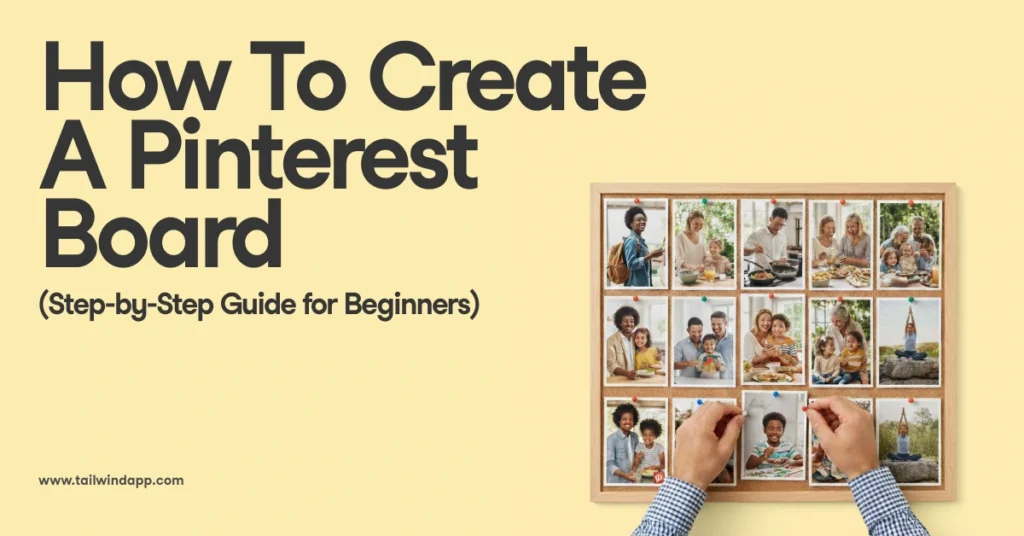
In this guide, I’ll walk you through exactly how to create a Pinterest board step by step. We’ll cover why boards matter, how to name and optimize them, and even share some ideas to get you started. Whether you’re planning your dream wedding, organizing recipes, or building a brand, this guide will help you set up boards that make Pinterest work for you.
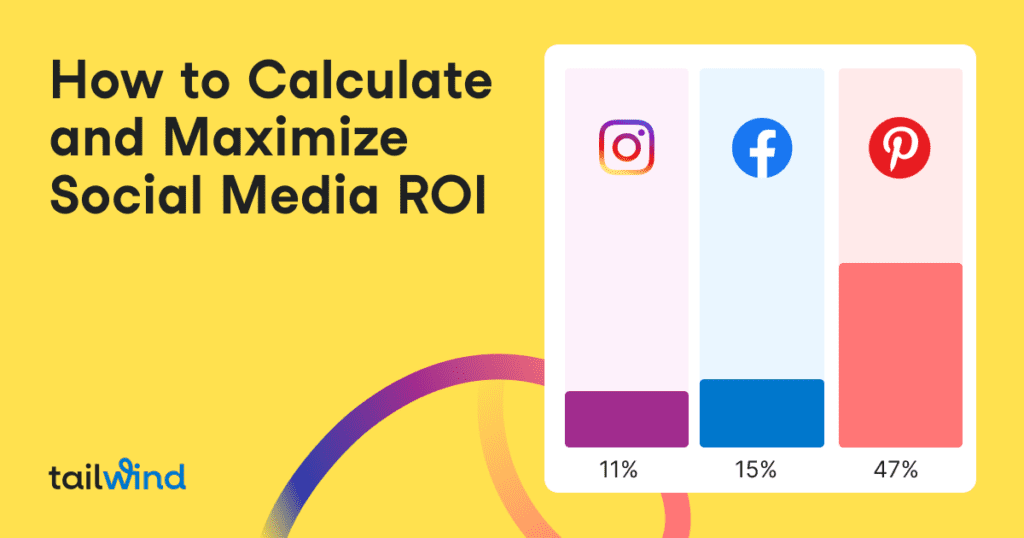
Learn the essential steps to calculating and measuring social media ROI in this comprehensive guide. Discover how to define goals, track progress, assign monetary value, and maximize ROI with helpful tools. Start seeing results and standing out from the competition today!
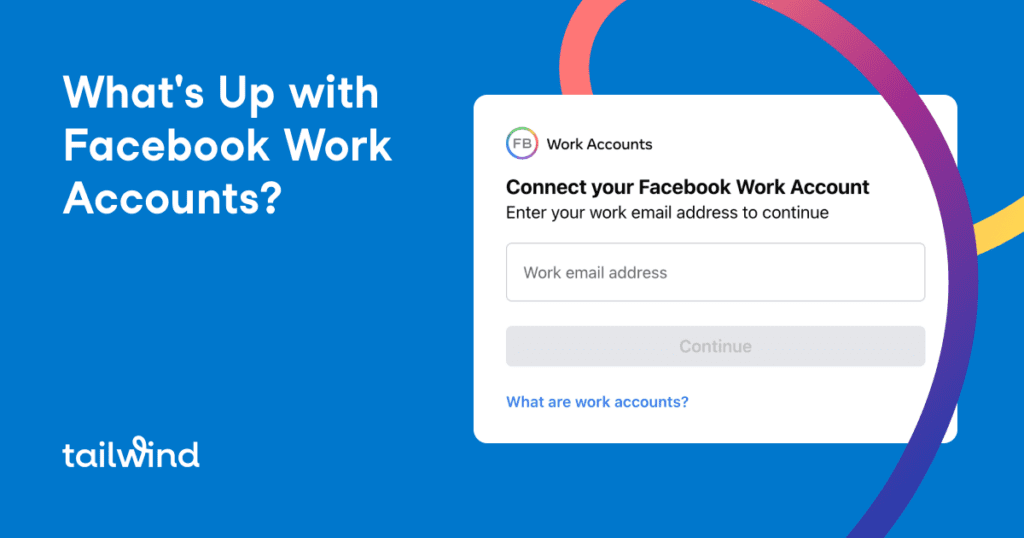
Are you a social media manager struggling with using personal accounts for managing a Facebook Business Page? Facebook's new Work Accounts offer a solution for better brand security. Read more about this latest testing and its expected debut in 2022.
With Facebook's Analytics tool sunsetting, business owners must adapt to changes in advertising on the platform. Find out how Instagram users can gain an advantage in designing effective and creative ads in the wake of these changes. Learn more about Facebook's decision, how it may benefit businesses who perform well on Instagram, and steps you can take now to maintain successful campaigns.
Learn how to effectively grow your Facebook followers without breaking the bank with these 10 simple and actionable tips. Boost your brand's online presence and reach new customers with these organic strategies. Only on our blog!
Struggling to take that perfect selfie for Instagram? Learn how to confidently pose, find the best lighting, and use camera settings to capture stunning photos of yourself. Plus, get tips for editing and scheduling your selfies for maximum engagement.
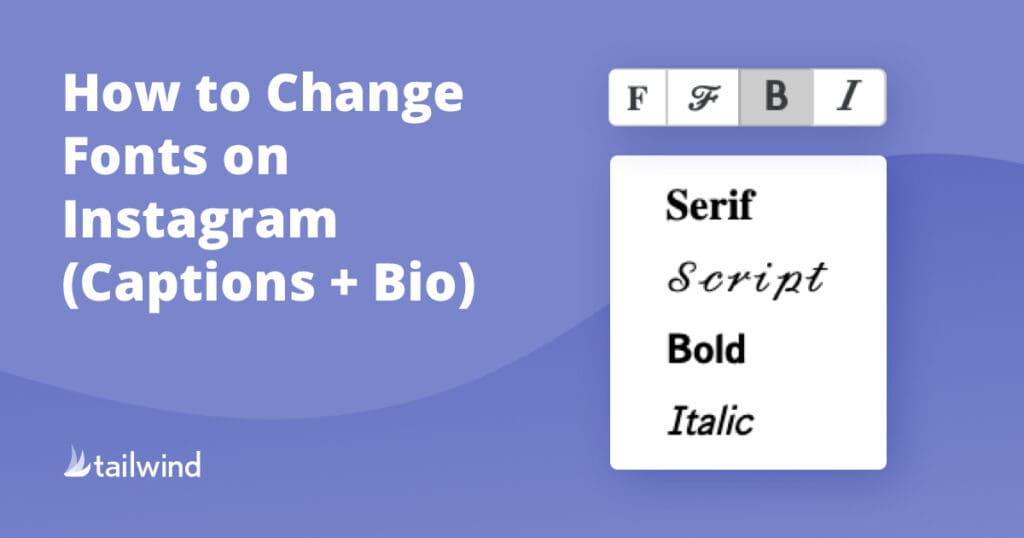
Learn how to easily change the font on Instagram posts, bios, and stories to boost engagement and sales. Find out the best fonts to use for teasing key points, triggering emotions, and promoting events. With Tailwind's Instagram font changer tool, make your captions stand out and grab your reader's attention!
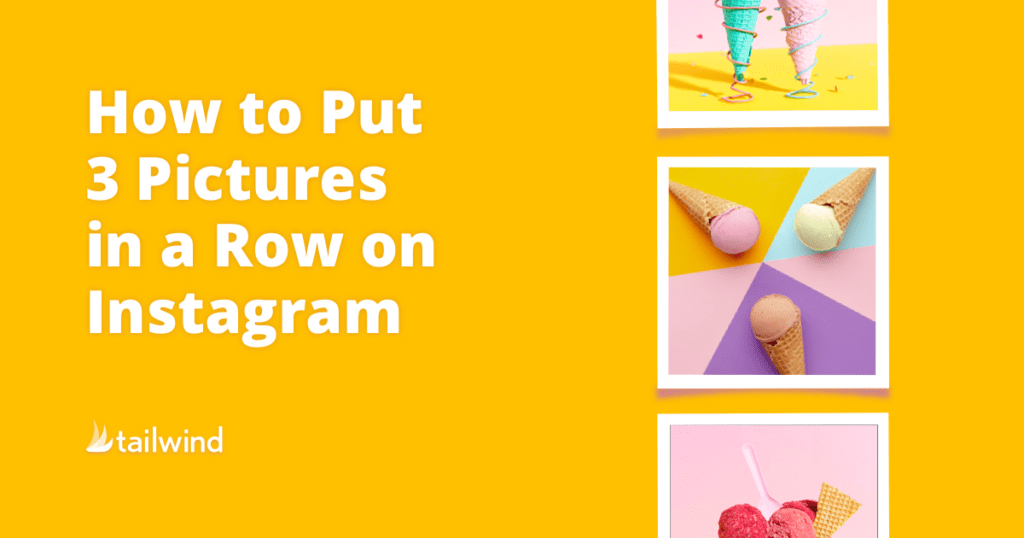
Learn how to easily create a row-by-row Instagram theme with three pictures in a row. Our tutorial covers image splitting, upload tips, and more using the Tailwind app. Start making your Instagram more follow-worthy today!
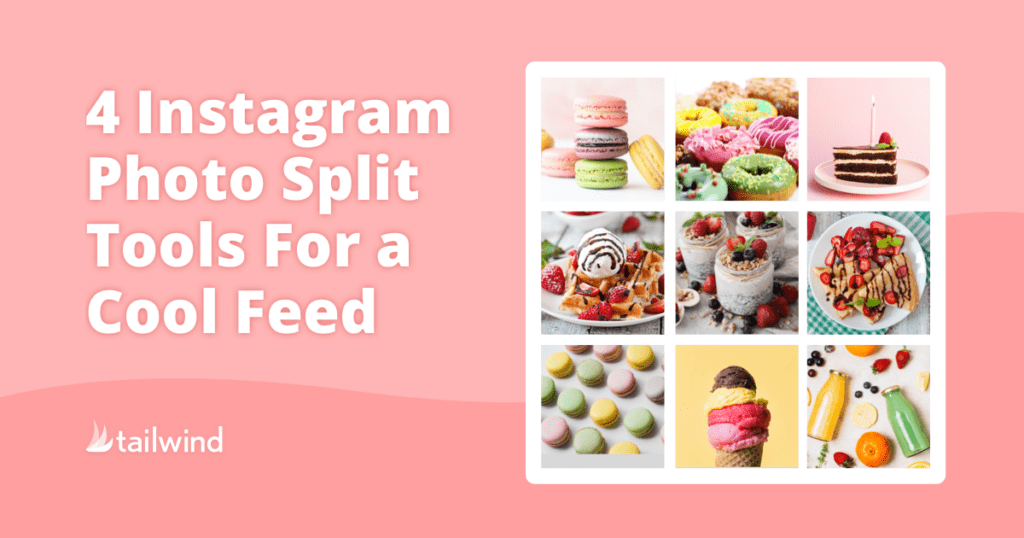
Easily split one photo into multiple on Instagram with these top free tools. Improve your feed's aesthetic with a bold, cohesive design. From simple apps to advanced desktop options, find the perfect tool for your needs. Plus, learn how to schedule your split photos for hassle-free posting on Tailwind!
Unlock the prestigious blue badge on Instagram with these seven simple steps and a ton of powerhouse tips, plus FAQs about the verification process. Don't fall for scams – here's how to get the coveted blue checkmark and become more notable on Instagram. Increase trust, brand awareness, and drive traffic with the help of Tailwind's Instagram tools.
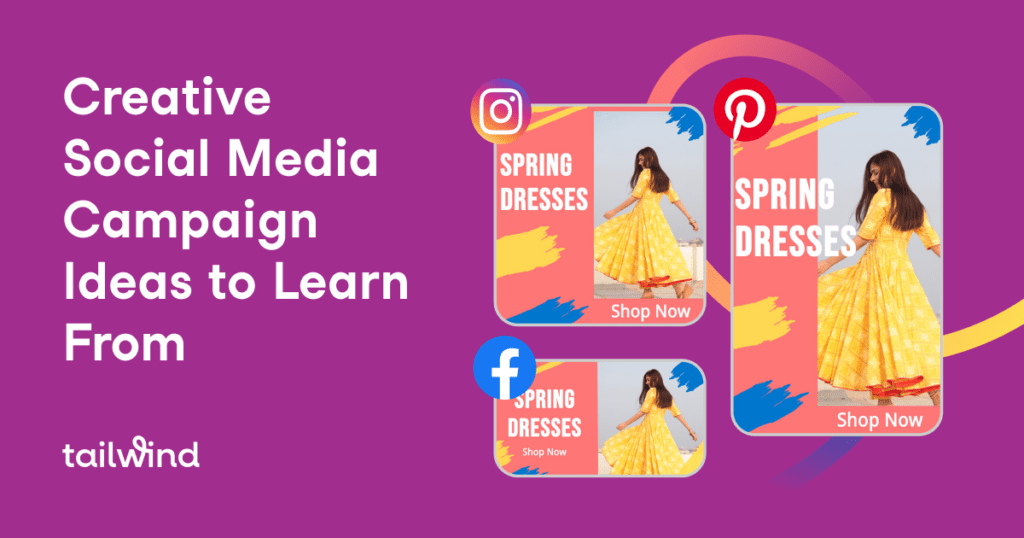
Learn how to create a viral and creative social media campaign with 10 successful examples from globally recognized brands. Engage your target audience and increase sales with these effective strategies.
In this guide, we’ll walk through what Pinterest board covers are, why they matter, the ideal sizes, how to create and change them, and even how to design them step by step. Plus, we’ll share ideas, best practices, and FAQs so you can make your Pinterest presence look professional, engaging, and uniquely yours.
If you’ve been exploring Pinterest for a while, you’ve probably come across Group Boards. They look like regular boards at first glance, but there’s one key difference: multiple people can add Pins to them. That makes them an excellent way to collaborate, share ideas, and reach new audiences.
In this guide, we’ll break down what a Pinterest board strategy is, why it matters, and how to build one step by step. Whether you’re pinning recipes for personal inspiration or managing a business account, these strategies will help you use boards effectively and get the most out of Pinterest.
When you stop sharing, Pinterest assumes your ideas aren’t new anymore. Within days, it starts showing more content from people who are still posting. That drop isn’t personal—it’s just how the system works. When you start again with a steady plan, your reach comes back.
In this guide, I’ll walk you through exactly how to create a Pinterest board step by step. We’ll cover why boards matter, how to name and optimize them, and even share some ideas to get you started. Whether you’re planning your dream wedding, organizing recipes, or building a brand, this guide will help you set up boards that make Pinterest work for you.
Here’s the unlock I wish I’d learned sooner: one blog post can fuel weeks of Pinterest reach—if you repurpose it into multiple fresh Pins. Pinterest currently encourages this, as long as each Pin is visually unique and useful to a slightly different person. In practice, that means more relevant entry points for readers, not more noise.